See it
See your markdown come alive as you type
No split panes. No raw syntax. Just you and your content, rendered beautifully in real time.
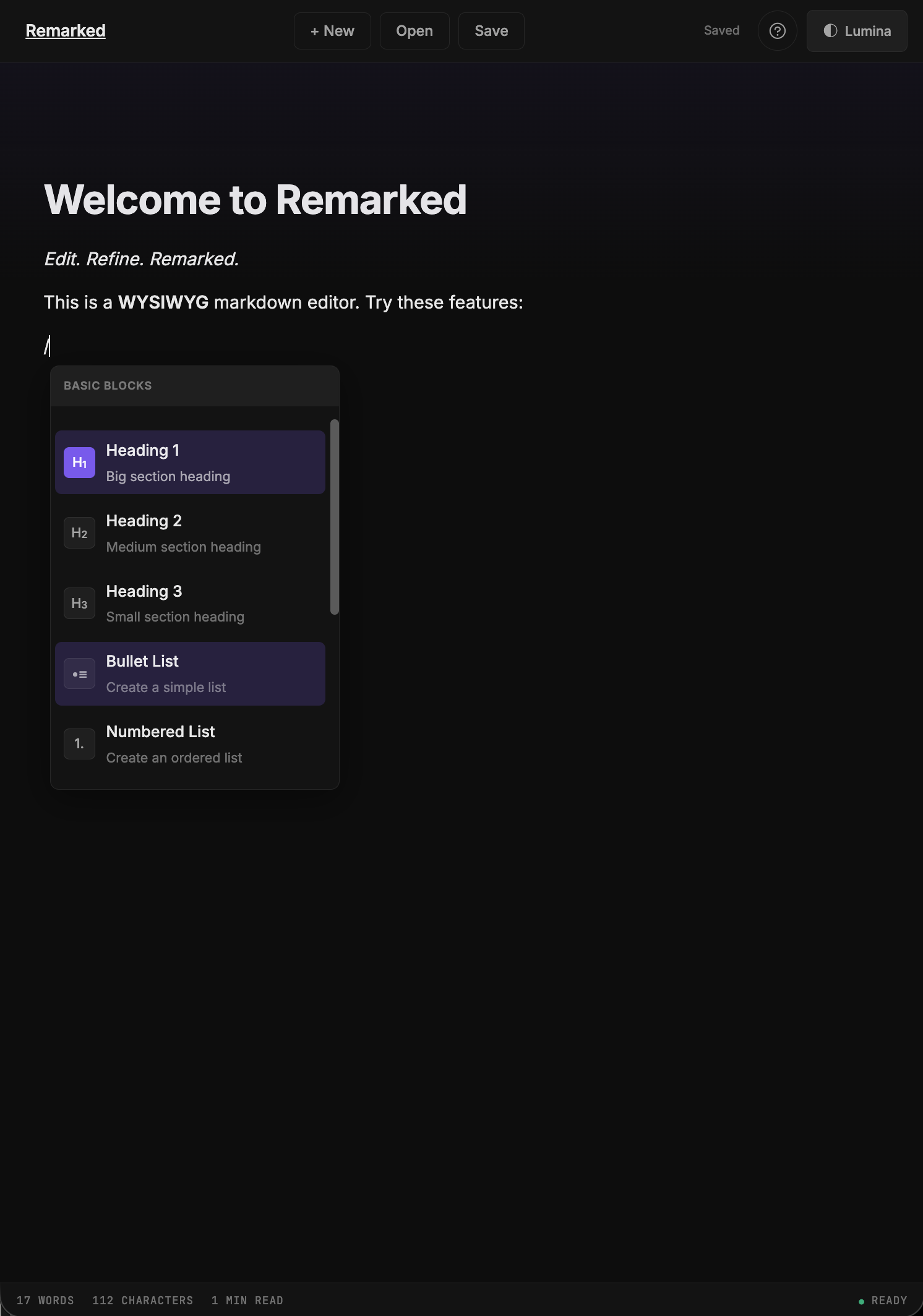
Type /heading and watch the magic happen.
AI gives you the first draft. Remarked is the WYSIWYG markdown editor that lets you refine it. Paste any markdown, see it rendered beautifully, make it sound like you wrote it, and export when it's ready. No install. No split panes. Just open your browser.
Start Editing - Free →No split panes. No raw syntax. Just you and your content, rendered beautifully in real time.
Type /heading and watch the magic happen.
Edit markdown from any AI assistant — or any source. Remarked handles the rest.
Code blocks, task lists, diagrams, and more — all rendered beautifully.
Type naturally. Format effortlessly. Ship confidently.
function hello() {
  console.log("Hello, World!");
}Copy markdown from any AI tool and paste it into Remarked. Or type from scratch.
Edit with slash commands, formatting toolbar, and 6 beautiful themes. Make it sound like you.
Export to Markdown, HTML, PDF, or Word. Publish to the web. Save to Google Drive.
Every feature exists to help you edit better — nothing more, nothing less.
Type / to summon headings, lists, code blocks, quotes, and dividers. Fast and intuitive.
Select any text to reveal formatting options. Bold, italic, strikethrough, inline code.
Cmd+B, Cmd+I, Cmd+S — all the shortcuts you already know, working exactly as expected.
Create flowcharts and sequence diagrams that render beautifully and adapt to your chosen theme.
Code blocks with highlighting for over 100 languages. Pick your language and edit with clarity.
Share any document with a public URL. Your readers see a beautifully themed page — no account needed.
Markdown, HTML, Plain Text, PDF, and Word. Your content, your format, no lock-in.
Click a theme to preview it
Soft purple glow
Forest green focus
Cool cyan clarity
Neutral gray
Classic white
Warm cream texture
Good editing is clear thinking made visible. It's the art of removing everything that doesn't belong.
Use Cmd+B for bold, or simply select and format.
Everything in Free, plus cloud sync, image uploads, Google Drive, and more.
Auto-save to the cloud. Access your documents from any device.
Drag and drop images directly into your documents.
Save and open .md files directly from your Google Drive.
Ask Claude.ai to write markdown and send it straight to your editor.
Export polished documents to PDF and Word with one click.
Get help directly from the team that builds Remarked.
Start free. Upgrade when you're ready.
Stop wrestling with syntax. Stop switching between preview panes. Just edit — Remarked handles the rest.
AI gave you the draft. Now make it yours.